
Australia
Upgrade. Your. Unit.
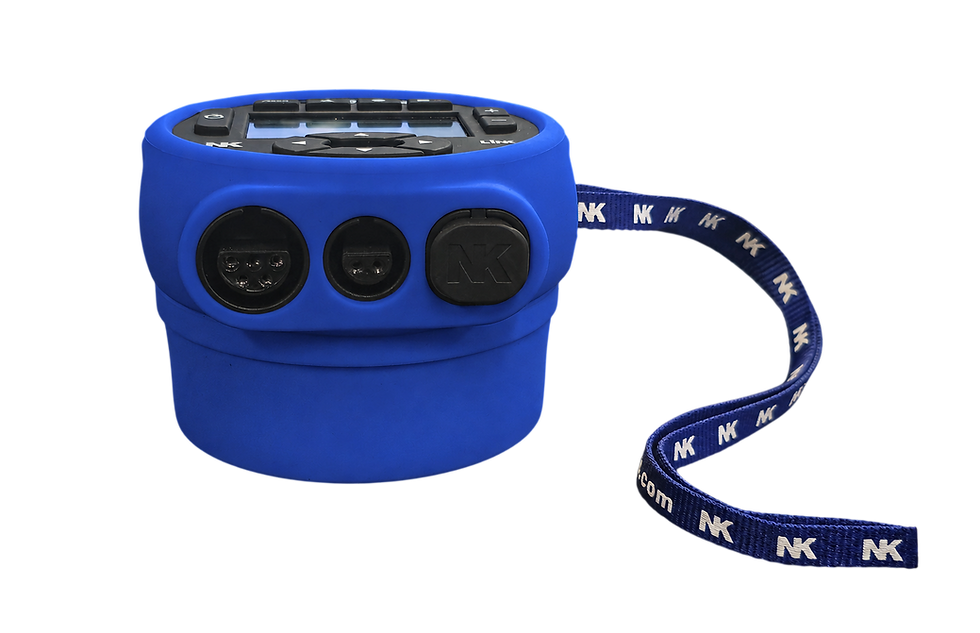
Unlock more performance with powerful new features for your SpeedCoach Model 2 or CoxBox CORE.
Add programmable workouts
Detailed data recall
Heart rate & LiNK compatibility
Live Streaming
Upgradeable firmware

How does this work?
To proceed, we first require the following information:
• Your unit's serial number
Your software upgrade will typically be processed within 2–3 business days (excluding public holidays). Once your order has been processed, we'll mail you the required dongle and provide easy-to-follow, step-by-step instructions to help you complete the upgrade on your computer. Please note that the upgrade file or dongle will be sent once full payment has been received.
Before you Upgrade
Before purchasing an upgrade, we recommend carefully checking that your unit is in good working condition. As electronic devices naturally wear over time, we do not recommend upgrading units that are more than 4–5 years old.
Please review the following before proceeding:
-
Inspect your unit for any existing faults or damage. Ensure it is operating normally before starting the upgrade process.
-
Check the buttons. If they are stiff, difficult to press, or no longer produce a distinct clicking sound, we do not recommend upgrading the unit, as these are common signs of wear that may lead to failure.
-
Exercise caution with second-hand units. Because their history, usage, and storage conditions are often unknown, we cannot guarantee their reliability or suitability for an upgrade.
-
Please note: If your unit fails before, during, or after the upgrade process due to age, wear, or an existing fault, the software upgrade fee is non-refundable.